
How do I check in?
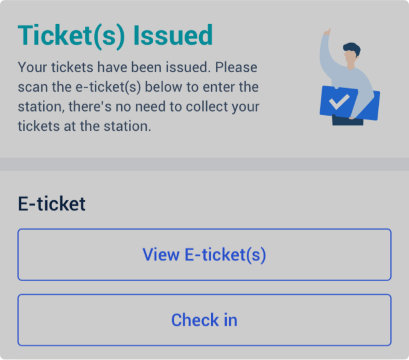
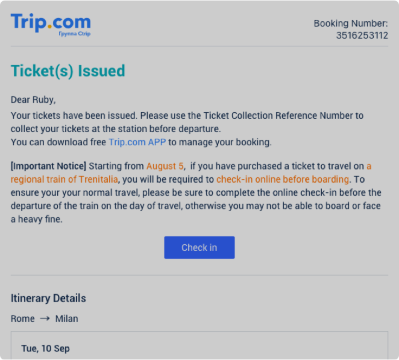
Step 1: Find the "Check In" button.
• Once ticket(s) have been issued, you can find the "Check In" button on the booking details page.
• Alternatively, you can find this button in the email you receive from Trip.com after ticket(s) have been issued.
Step 2: Check in online
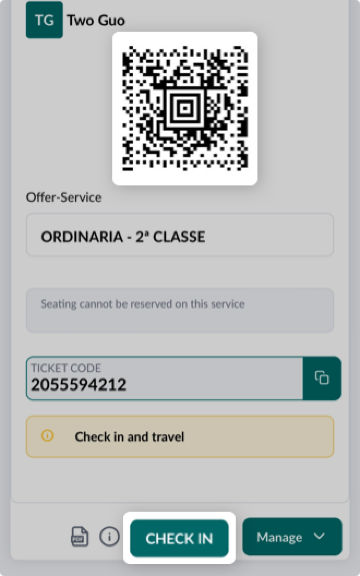
• Select "Check In", and you'll be redirected to the Trenitalia website where you can view all of the information related to your booking.
• Once you've checked in, you'll get a QR code which you can use to travel.
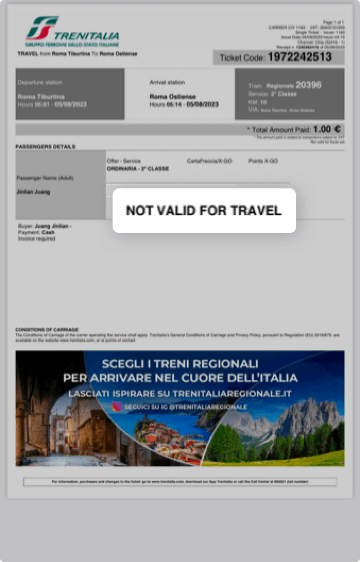
• The original PDF you received cannot be used to travel.
Шаг 3
• Регистрация доступна с момента бронирования электронного билета на региональные поезда до времени отправления поезда по расписанию.
• Регистрация требуется только на региональные поезда, но не на скоростные поезда.
• После регистрации возврат или изменение билета невозможны.